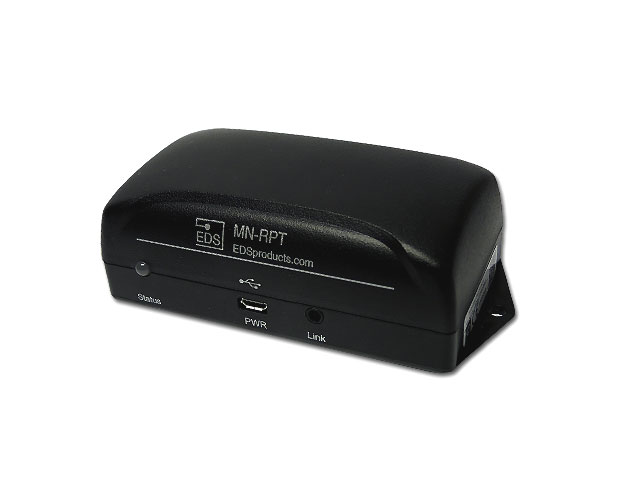
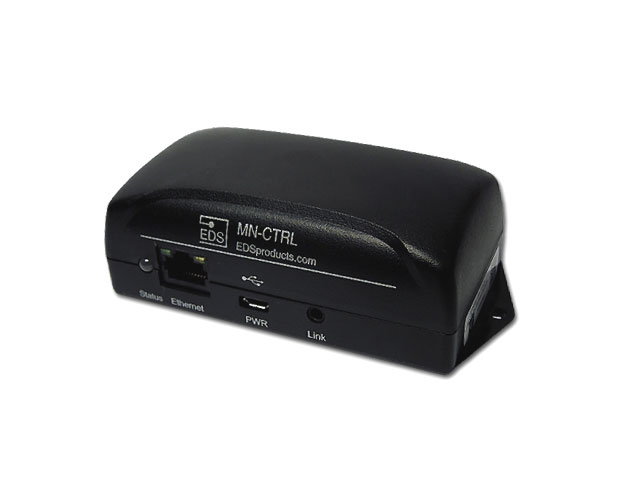
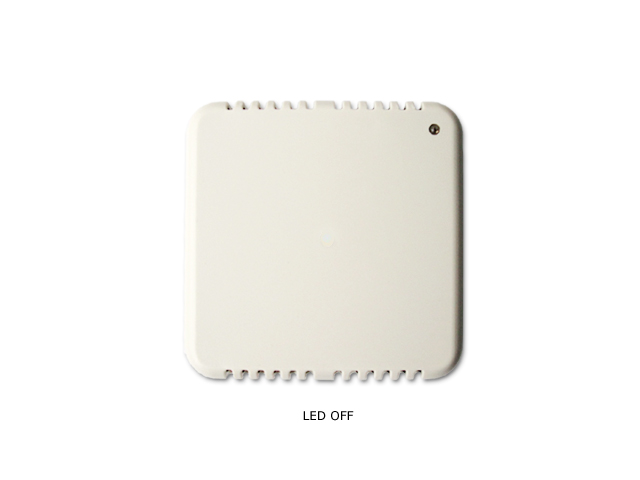
The MeshNet Repeater is designed to enlarge the size of the wireless network and increase the integrity of the wireless transmissions. The MeshNet Repeater provides this capability by continually listening for wireless transmissions from wireless MeshNet sensors and Controllers. When a transmission is received by the Repeater the data is the retransmitted to the Sensor or Controller. In essence a repeater can more than double the wireless networks size through the repeating function and the higher power radio. The Repeaters also provide alternative paths to the Controller and Sensors which allow the self-healing of the wireless network in response to changes in the wireless environment.
Features
- Mesh Network Topology Improves Wireless Network Performance
- Enlarges the Wireless Network
- Globally unique 64-Bit serial number
- Plug-N-Play installation
- User configurable parameters
- Improved receiving sensitivity
- Robust Communication protocol
- Universally accepted 2.4Ghz radio frequency
- Frequency Hopping
- Increases signal strength of transmissions
- Complies with FCC, Industry Canada and CE Marking requirements
- Diagnostic Transmission Data
Wire Free Sensor Setup
The Gen 1 MeshNet Sensors now features wireless linking, which eliminates the need for a physical connection between the MeshNet Controller and the MeshNet Sensor during the initial setup. The wireless linking process allows the sensor and controller to exchange all necessary information for joining the unique wireless network; and since each network has a unique identifier, multiple wireless networks can operate in the same vicinity. If desired, sensors can switch networks through repeating the linking process with the new wireless network’s controller. The straightforward steps to linking sensors are below:
1. Connect the MeshNet Controller to the network and power.
2. Locate the MeshNet controller on the network by either: Downloading and running
EDS Scanner, or checking the DHCP Server for the assigned IP Address.
3. From the MeshNet Controller's home page select "System Configuration>Devices". The device page will enable you to link and unlink sensors from the MeshNet Controller.
4. You will be prompted for login credentials. The defaults are User Name "admin" and Password "eds".
5. Insert batteries into the sensor. The sensor will appear in the "Unlinked Devices" section.
6. Select the sensor when it appears and then click "OK" on the pop-up prompt.
The sensor will be linked (and moved to the "Linked Devices" section) on its next transmission.
Important
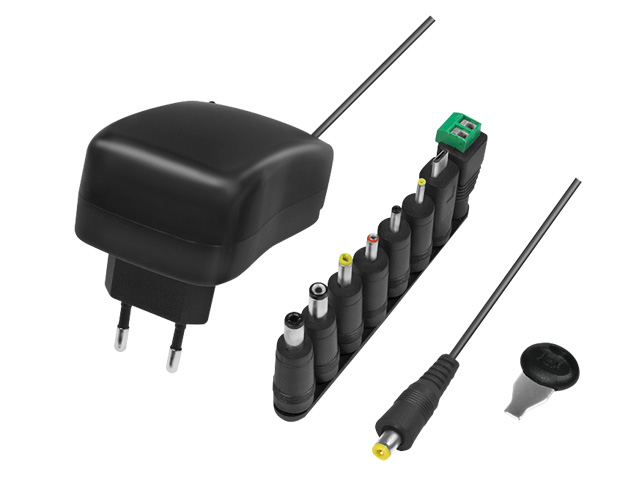
The MN-RPT-H ships WITHOUT power supply.